rhodes38
Messages : 407 Enregistré le : dim. 31 déc. 2017 10:21
Message
par rhodes38 dim. 28 juin 2020 10:32
Bonjour,
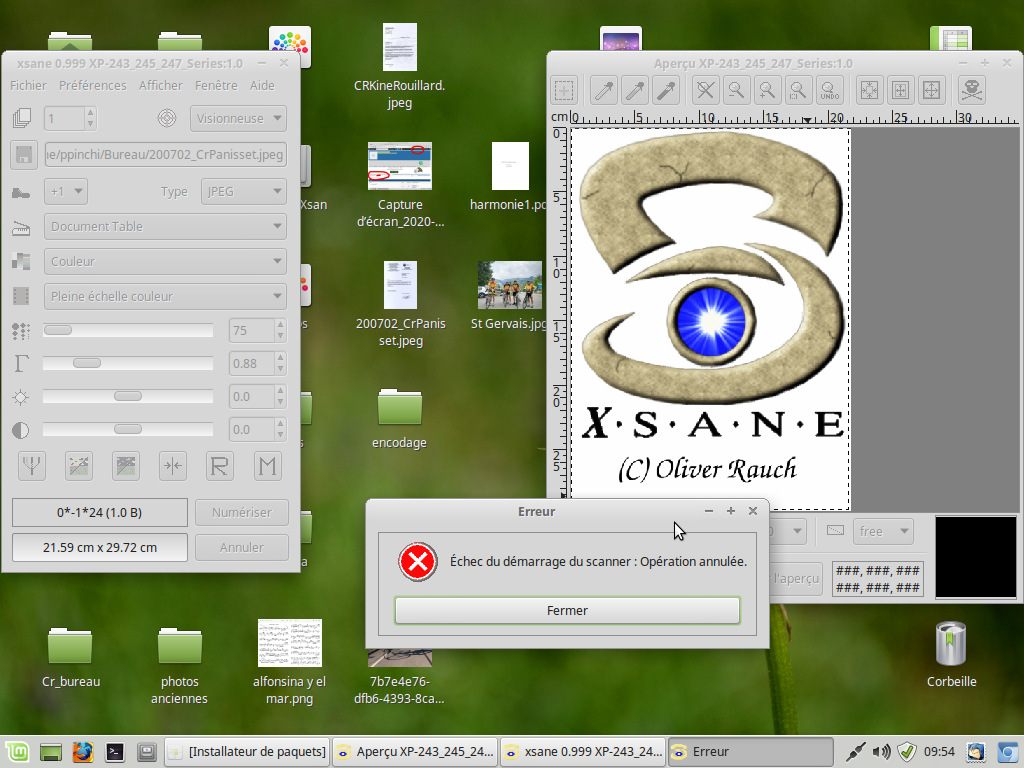
Mon scanner ne fonctionne plus.
Désinstallé et réinstallé xsane
Une idée?
System: Host: ppinchi-System-Product-Name Kernel: 4.15.0-72-generic x86_64 (64 bit)
arghlub
Administrateur du site
Messages : 11788 Enregistré le : dim. 21 mai 2017 08:19Localisation : Provence
Message
par arghlub dim. 28 juin 2020 10:39
Salut,
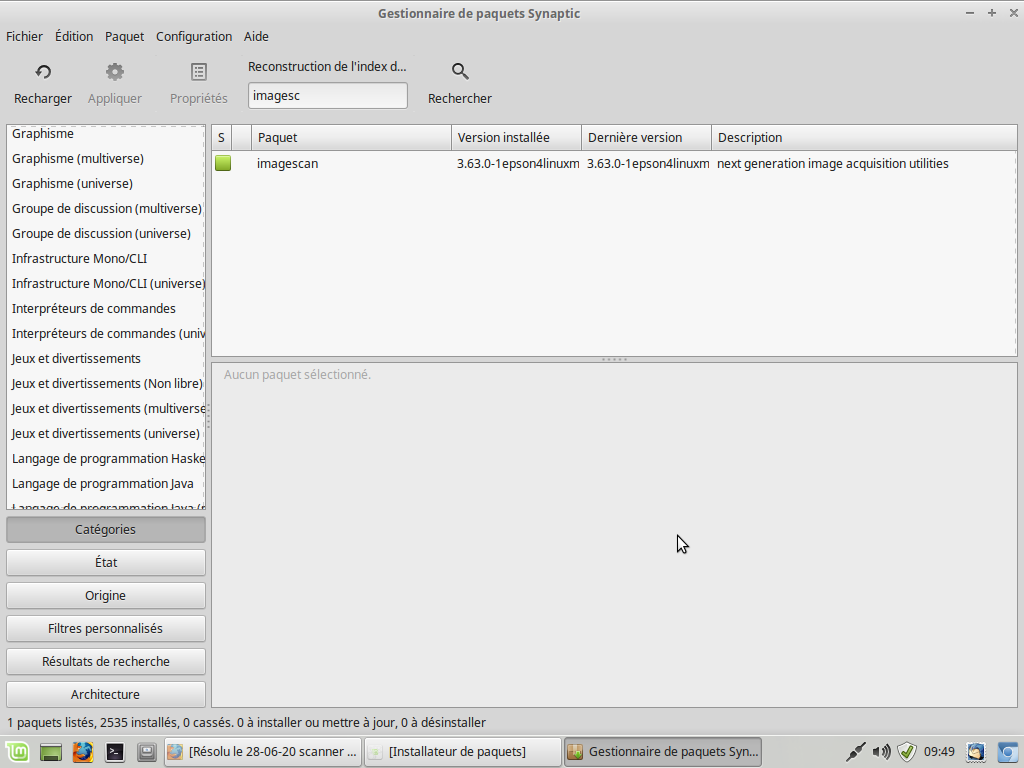
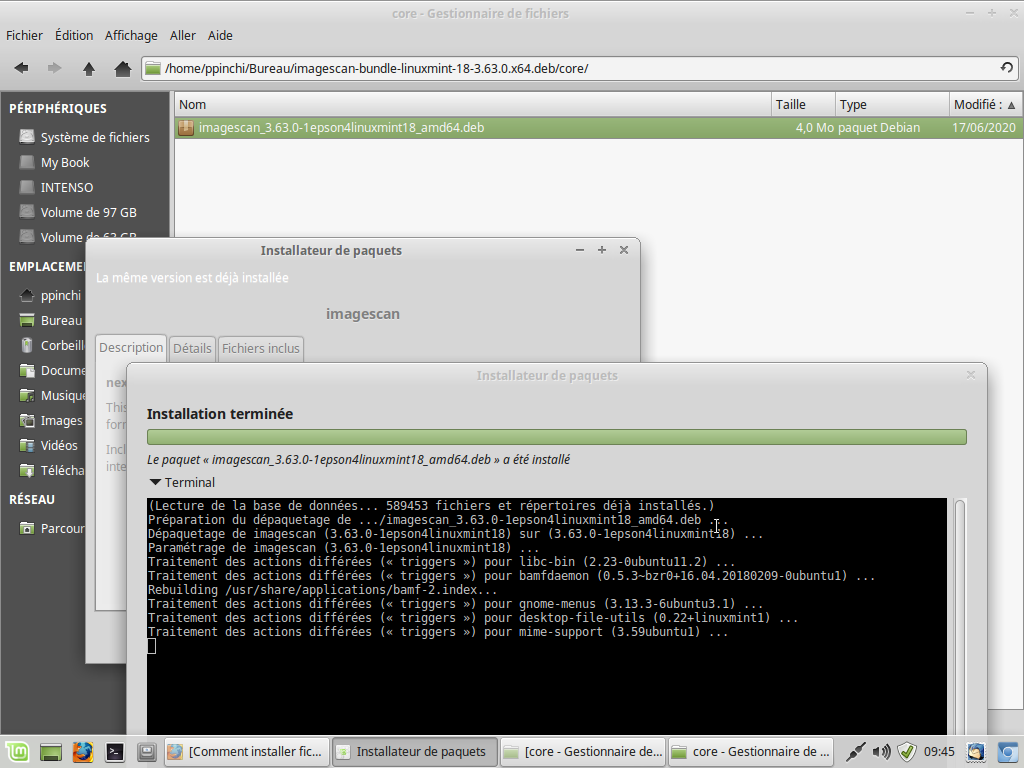
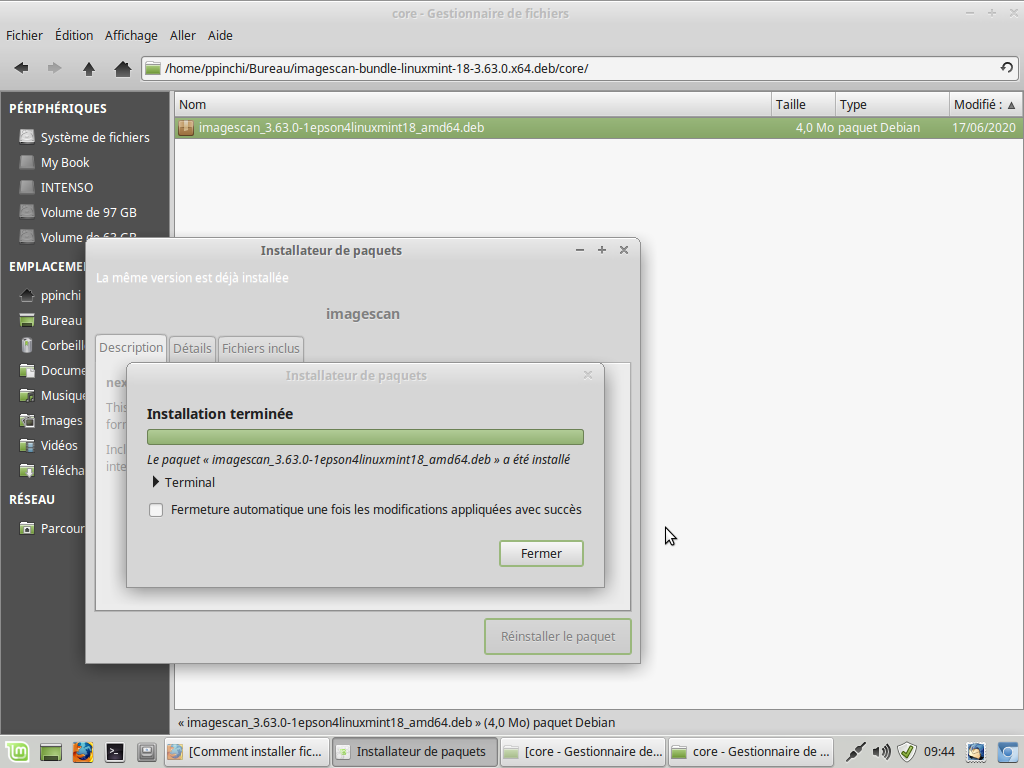
As-tu installé ImageScan ?
À télécharger sur le site officiel d'Epson :
http://download.ebz.epson.net/dsc/du/02 ... 530&OSC=LX Tour1 (custom) • CPU Intel I7-7700K | CG Nvidia GTX 1080 | RAM 16Go | tripleBoot : LMint 22.3 Debian 12 MX Linux | XFCE Tour2 (custom) • CPU AMD Athlon 5200+ | CG Nvidia GTX 560 | RAM 6Go | FreeBSD XFCE Portable1 • MSI GF75 Thin 9SC | CPU Intel I7-9750H | CG Nvidia GTX 1650 | RAM 32Go | dualBoot : LMint 22.1 MX Linux | XFCE Portable2 • MacBook Air A1466 | CPU Intel I5-5250U | CG Intel HD Graphics 6000 | RAM 8Go | dualBoot : macOS Sierra MX Linux XFCE ─────( pour une informatique libre ! )─────
rhodes38
Messages : 407 Enregistré le : dim. 31 déc. 2017 10:21
Message
par rhodes38 dim. 28 juin 2020 14:49
Hello arghlub
System: Host: ppinchi-System-Product-Name Kernel: 4.15.0-72-generic x86_64 (64 bit)
rhodes38
Messages : 407 Enregistré le : dim. 31 déc. 2017 10:21
Message
par rhodes38 lun. 13 juil. 2020 10:05
Bonjour
J'ai réouvert le sujet mon scanner refuse de nouveau de fonction.
A toutes fins utiles j'ai réinstallé le driver mais fonctionne pas
Quelqu'un pour m'aider?
Cordialement
System: Host: ppinchi-System-Product-Name Kernel: 4.15.0-72-generic x86_64 (64 bit)
rhodes38
Messages : 407 Enregistré le : dim. 31 déc. 2017 10:21
Message
par rhodes38 lun. 13 juil. 2020 17:33
Je viens de m'apercevoir que c'est acquisition de l'aperçu qui ne fonctionne plus.
System: Host: ppinchi-System-Product-Name Kernel: 4.15.0-72-generic x86_64 (64 bit)
rhodes38
Messages : 407 Enregistré le : dim. 31 déc. 2017 10:21
Message
par rhodes38 mer. 15 juil. 2020 15:55
C'est ok.
System: Host: ppinchi-System-Product-Name Kernel: 4.15.0-72-generic x86_64 (64 bit)
thyam
modérateur
Messages : 8840 Enregistré le : mar. 14 juil. 2015 10:33Localisation : Lille - Hauts de France
Message
par thyam jeu. 30 juil. 2020 12:25
attribut du sujet : résolu
si besoin de rouvrir => mp à un membre de l'équipe
pc principal : Hp pavilion dv6 - core i5 - 8go ram - DD 1 to - CG dual Intel HD graphics 3000 / Amd Radeon HD 7400m / OS : W$ 11
pc 2 : Dell e6420 - core i5 - 4go ram - DD 300 go - CG Intel HD graphics 3000 / OS : dual boot Linux Mint 22.2 XFCE - W$ 10
pc 3 : Asus M70V - core 2 Duo P8600 - 4go ram - CG Nvidia Geforce 9850M GT / OS : DD1 LMDE 7 Cinnamon / DD2 W$ 11
« Seul, on va plus vite... Ensemble, on va plus loin
»


 scanner imprimante multifonction XP-245 focntionne plus